The best source, chosen for you
Sources are sorted into five steps, from 4K HDR to 480p. At your preferred step MEDIA plays a direct link if there is one, otherwise the source with the most seeders.
Media center for Windows and Android TV
MEDIA is a private media center for Windows and Android TV. You add the addons, MEDIA picks the best source, plays it natively and keeps your place on every screen.
TV 0.18.0 · Windows 10 and 11 · Android TV 8.0+ · Works with Stremio addons
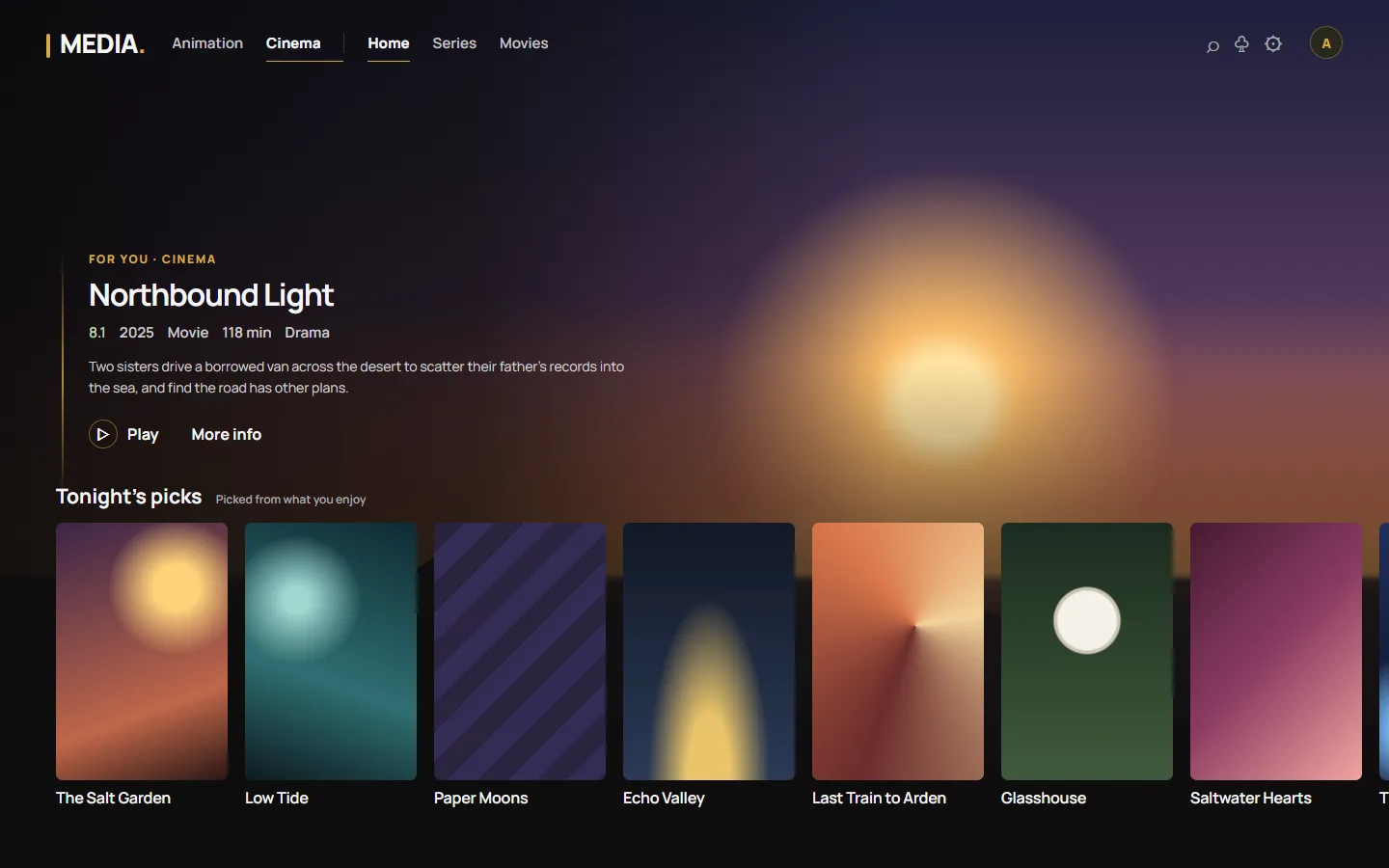
Why MEDIA
Sources are sorted into five steps, from 4K HDR to 480p. At your preferred step MEDIA plays a direct link if there is one, otherwise the source with the most seeders.
Resolution moves up or down a step and keeps your position. Switch source tries the next best source. You never have to read a list of file names.
Profiles, watch progress, lists and settings sync between the desktop app and the TV app through your MEDIA account.
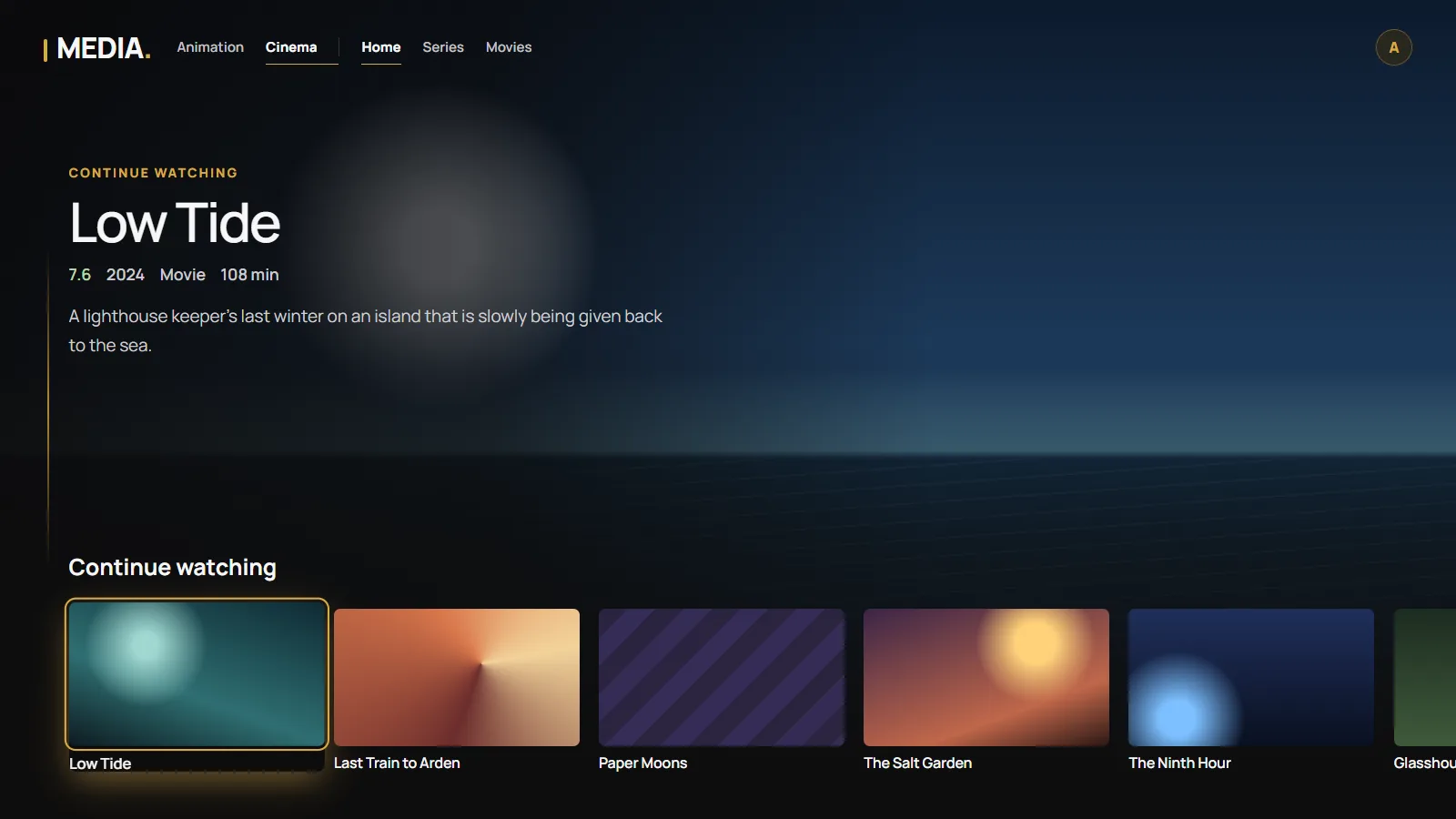
Android TV
The Android TV app has the same look and the same rows as the desktop app, built for a remote. It plays streams on the TV itself and lets you choose Switch source if one fails.
To connect it, open MEDIA on the TV and scan its QR code, sign in and confirm the additional code shown on the TV. No typing passwords with a remote.
Bring your own addons
MEDIA does not host, sell or provide any films, series or streams. Catalogs, sources and subtitles come from addons that you choose and install by their URL, and many addons written for Stremio work in MEDIA unchanged.
TV 0.18.0. Check the SHA-256 of every download on the Download page.