Watch progress
Stop on the laptop, continue on the TV from the same minute. Continue watching is the same everywhere.
Features
MEDIA is built around one idea: you press Play and the right thing happens. Here is what that takes, on Windows and on Android TV.
Automatic
When you press Play, MEDIA reads every source your addons return and sorts them into five resolution steps: 4K HDR, 4K, 1080p, 720p and 480p.
At your preferred step it plays a direct link when one exists. Otherwise it plays the peer-to-peer source with the most seeders, and only then falls back to the order of your addons.
You set the preferred resolution once in Settings, and turn 4K HDR on only if your screen can show it. The setting follows your profile to the TV.
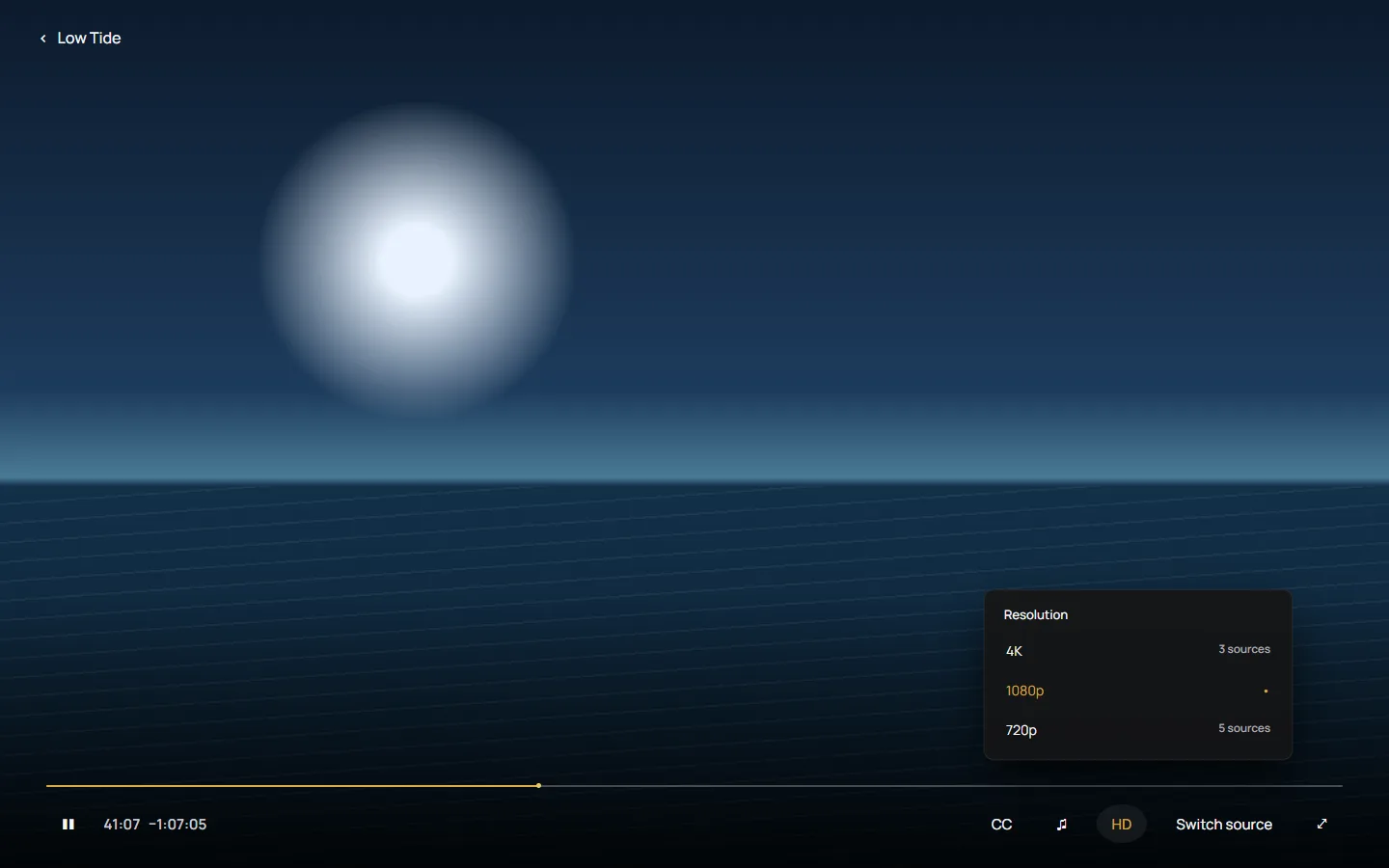
In the player
Resolution lists the steps that have sources for this title. Choosing one moves there and keeps your position in the video.
Switch source plays the next best source you have not tried yet. When a step runs out, it steps down to the next resolution.
On the TV, a failed source waits for you: choose Switch source to try another.
Android TV
MEDIA for Android TV has the desktop app's look and rows, made for a remote with clear focus and large type.
It plays streams on the TV itself. To connect it, scan the TV’s QR code, sign in and confirm the additional code shown on the TV, so you never type a password with a remote.
It runs on Android TV and Google TV devices with Android 8.0 or newer.
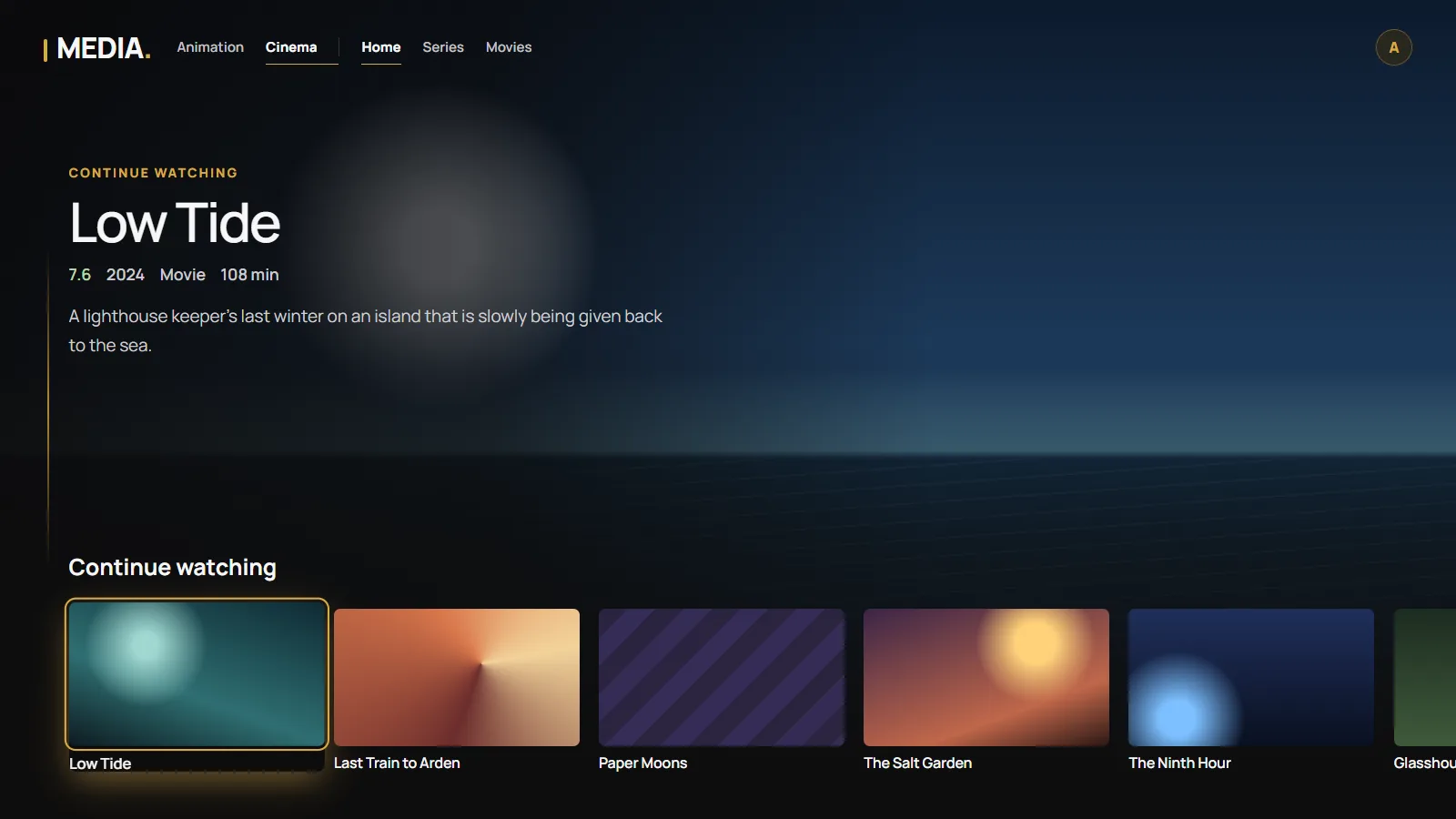
Sync
Stop on the laptop, continue on the TV from the same minute. Continue watching is the same everywhere.
My Space brings your lineup, Tonight and Decide for me together. Your saved titles and likes follow you between linked devices.
Preferred resolution, 4K HDR, preferred audio language and appearance belong to the profile and travel with it.
The desktop app syncs when it starts, about once a minute, a few seconds after a change, and when the player closes.
Profiles
Each profile has its own progress, lists and preferences. Addons belong to the account. Pick a profile when MEDIA opens, on the desktop or the TV.
An account has one profile; the More profiles extra allows up to five. The account itself is protected by a password and optional two-step verification, and you can see and end its sessions.
Worlds
Films and series in a warm, dark light, with the gold line that runs through MEDIA.
The same layout in a cooler, violet light, for animated films and series.
Moving between worlds keeps the layout and changes the light, so you always know where you are.
And also